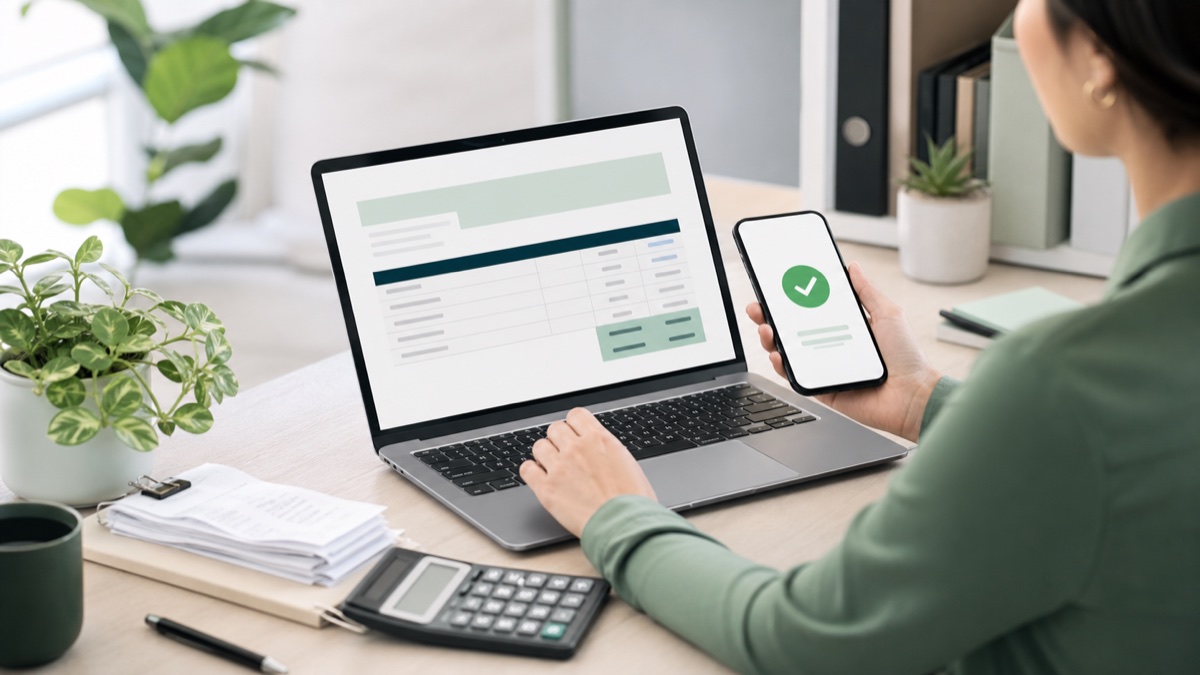
Free Invoice Template for Small Business: Why Every Service Pro Needs One
If you run a cleaning business, auto repair shop, salon, or any service-based business, you already know the drill: finish a job, write an invoice, chase payment, repeat. But if you’re still invoicing from a blank page — or worse, scribbling receipts by hand — you’re losing time, money, and credibility.
The good news? A free invoice template for small business can fix most of these problems in about five minutes. No accounting software. No monthly subscription. Just a clean, professional spreadsheet that calculates totals automatically and gets you paid faster.
Why Invoicing Matters More Than You Think
An invoice isn’t just a bill. It’s a reflection of your business.
When a client receives a messy, handwritten, or inconsistent invoice, here’s what happens:
- Payment gets delayed. Their accounting department has to manually re-enter your info. The more work you create for them, the longer you wait.
- You look amateur. Even if your work is excellent, a sloppy invoice plants a seed of doubt.
- You forget to follow up. Without a system, invoices slip through the cracks.
A professional invoice template solves all three problems at once.
What Every Small Business Invoice Should Include
Whether you’re invoicing for a one-time HVAC repair or a recurring lawn care contract, your invoice needs these elements:
- Your business name and contact info — Logo, phone, email, website
- Client name and service address
- Unique invoice number — INV-001, INV-002, etc. Critical for tracking
- Invoice date and due date — Net 15, Net 30, or “Due on Receipt”
- Clear line-item descriptions
- Itemized costs — Labor, materials, tax, discounts
- Total amount due — Calculated automatically (this is where Excel shines)
- Payment methods accepted — Zelle, Venmo, check, credit card
- Payment terms — “Late fees apply after 30 days”
Excel vs. Google Sheets: Which Is Better for Invoicing?
Both work. The question is: which fits how you work?
Excel Is Best If You:
- Work mostly from a laptop or desktop
- Want advanced formatting and conditional rules
- Plan to print invoices and hand them to clients
Google Sheets Is Best If You:
- Invoice from your phone at job sites
- Want your bookkeeper to access invoices in real time
- Prefer cloud storage
How a Template Saves You 30+ Minutes Per Invoice
Starting from scratch: 12-20 minutes per invoice
Using a template: 2-3 minutes per invoice
If you send 20 invoices a month, that’s 6+ hours saved — every month.
Ready to Get Paid Faster?
Stop starting from a blank page. Grab a free invoice template for small business and see the difference immediately.
Your clients will notice. Your accountant will thank you. And you’ll finally have time for the work that actually pays the bills.
SmartTemplates.tech builds professional Excel and Google Sheets templates for auto shops, cleaning services, salons, contractors, and small businesses of every kind. Start free, upgrade when you’re ready.